CSE 342: Advanced Programming
In this advanced programming course, we will learn the fundamentals of Object Oriented Programming (OOP) using Java. Since 3 billion software runs Java, it is the language of choice for advanced programming.
Course Information
Course Code   : CSE 341-342
Course Title  : Advanced Programming
Course Credit : 3 (Theory), 1.5 (Lab)
Course offered by,
Most. Jannatul Ferdous
Assistant Professor
Department of Computer Science and Engineering
jannatul_ferdous@bubt.edu.bd
+880 172 3586 258
B1/303
Recommended Book
Class Notes
Mid Term
- Class 01: 05 January 2026
- Class 02: 08 January 2026
- Class 03: 12 January 2026
- Class 04: 15 January 2026
- Class 05: 19 January 2026
- Class 06: 22 January 2026
- Class 07: 26 January 2026
- Class 08: 29 January 2026
- Class 09: 02 February 2026 (❌ CT break)
- Class 10: 05 February 2026 (EOC)
Final Term
- Class 01-02: 04-05 March 2026
- Class 03: 30 March 2026
- Class 04: 02 April 2026
- Class 05: 06 April 2026
Lab Notes
- Lab 01: 07 January 2026
- Lab 02: 14 January 2026 (No notes)
- Lab 03: 21 January 2026 (No notes)
- Lab 04: 28 January 2026 (No notes)
- Lab 05: 04 February 2026 (❌ No class)
- Lab 06: 04 March 2026
- Lab 07: 01 April 2026 (❌ Lab Mid)
Lab Reports
- Lab 01: 07 January 2026 | Tasks
- Lab 02: 14 January 2026 | Tasks
- Lab 03: 21 January 2026 | Tasks
- Lab 04: 28 January 2026 | Tasks
- Lab 05: 04 February 2026 (❌ No class)
- Lab 06: 04 March 2026 | Tasks
- Lab 07: 01 April 2026 (❌ Lab Mid)
Java IDEs

Installing IntelliJ IDEA
- Head over to the JetBrains Academy Page and fill-up the form to request an Education license.
- Select the GitHub tab if you already have the GitHub Student Developer Pack. Sign in to your GitHub account and authorize.
- Once your student mail is verified, you should receive an email with further instructions. You will need to create a JetBrains account using the same GitHub account.
-
Having done that, download the toolbox app and install the latest version of IntelliJ IDEA.
-
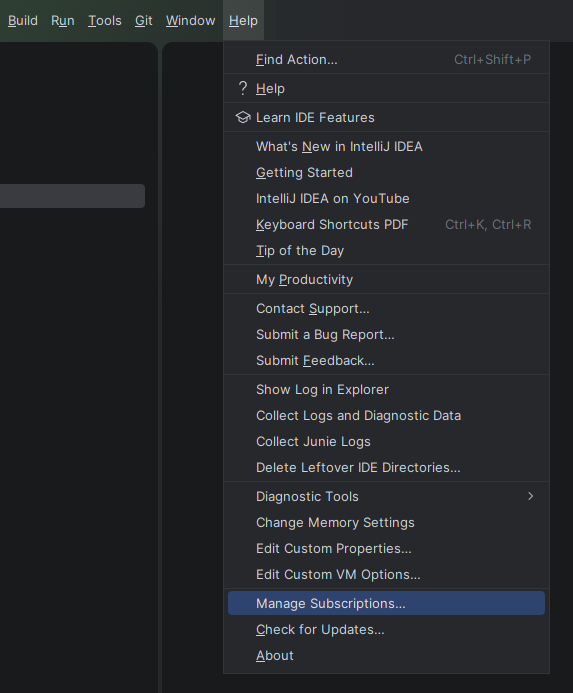
From the menubar, go to Help > Manage Subscriptions…
-
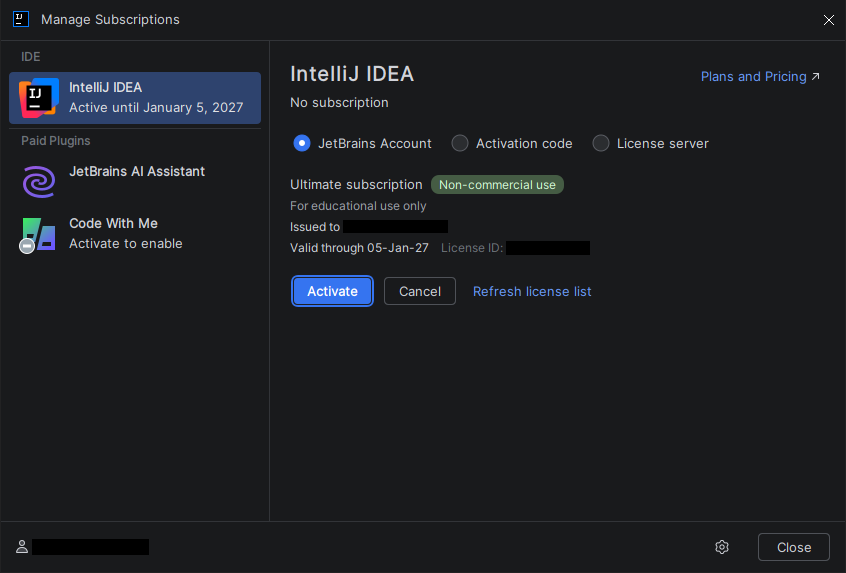
Login to your JetBrains account (if you haven’t already) and click Activate.
-
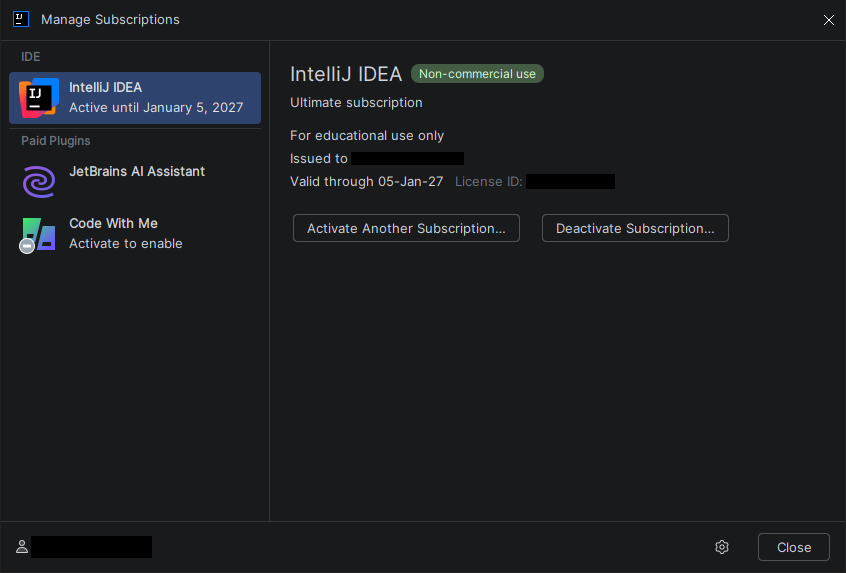
If everything goes right, your IDE should be activated.
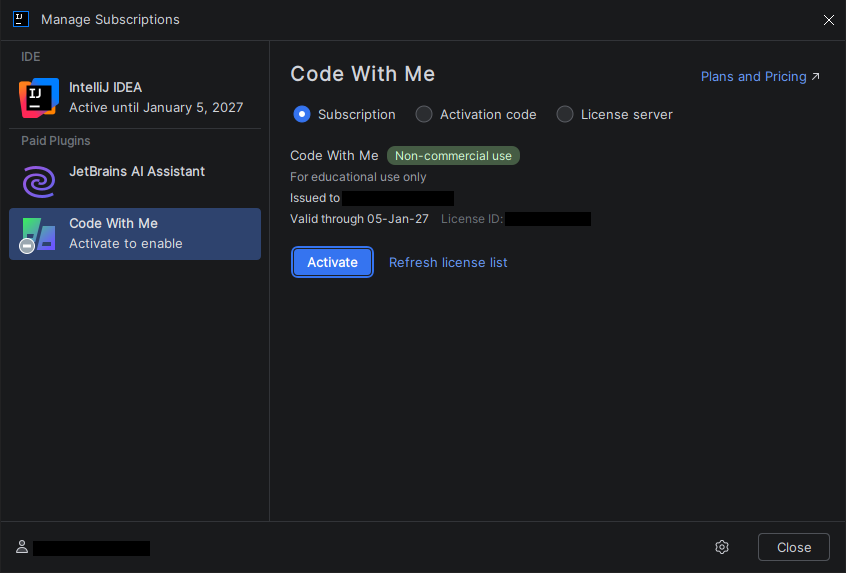
- Bonus: You can also select Code With Me from the sidebar and activate it using the same license.